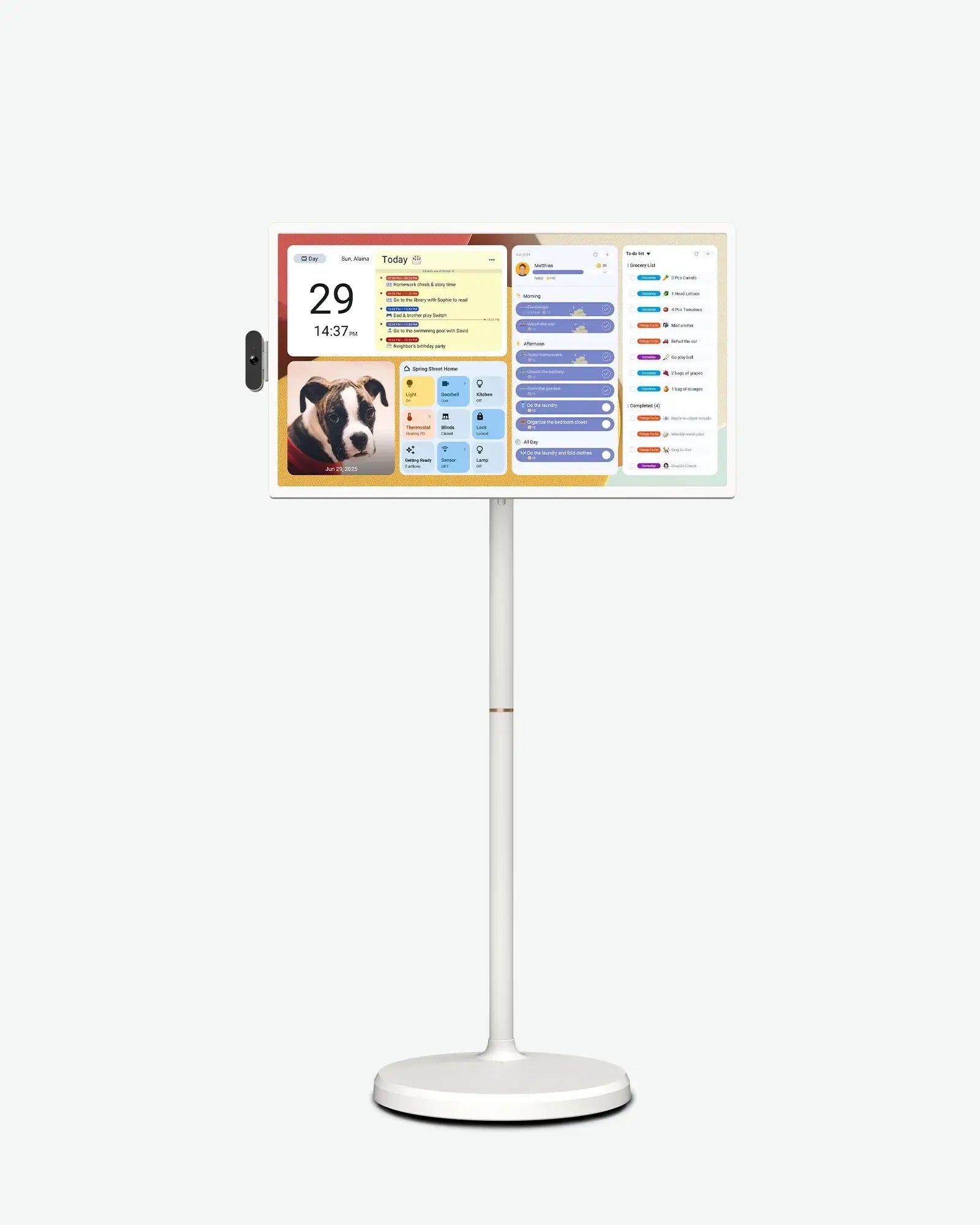
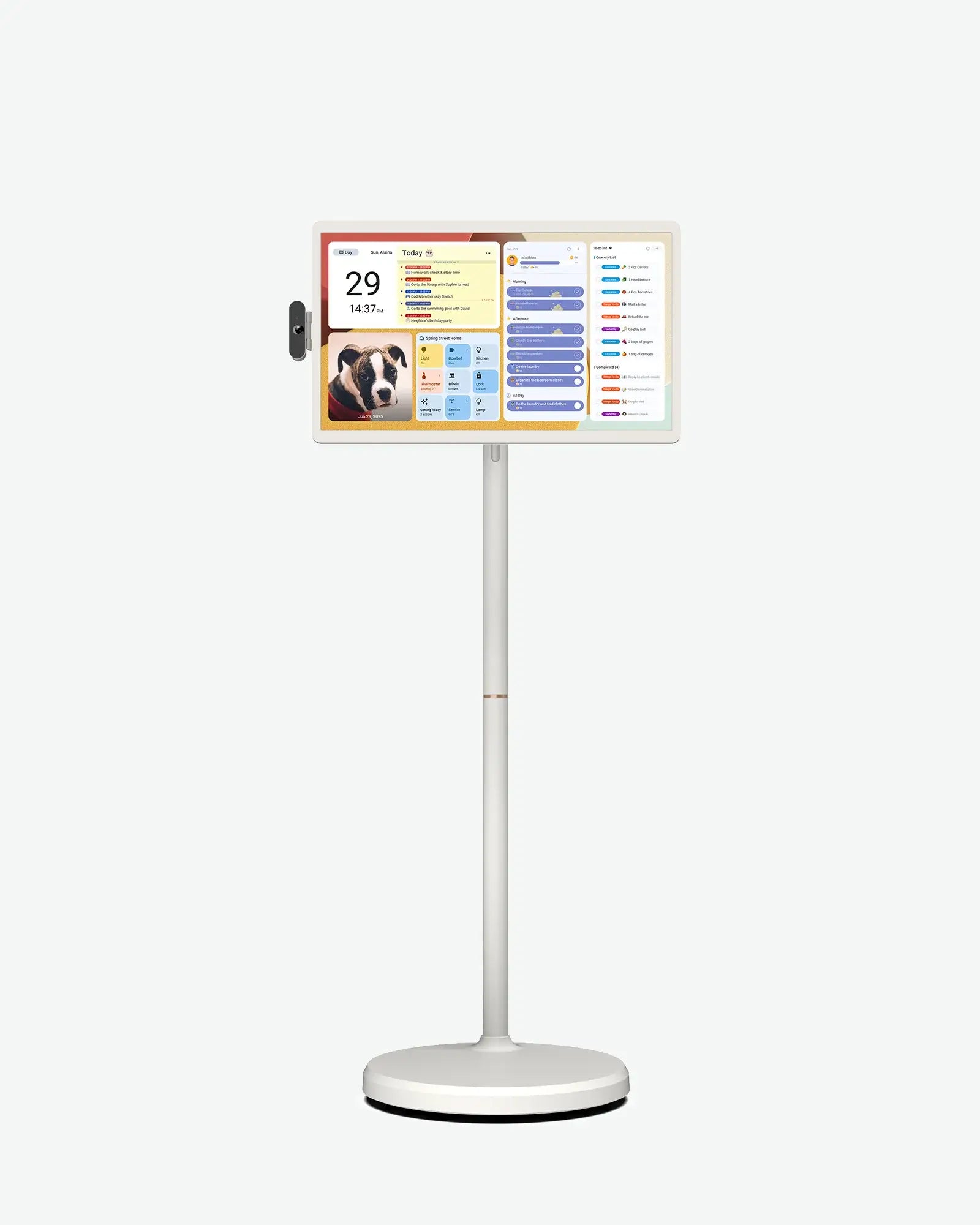
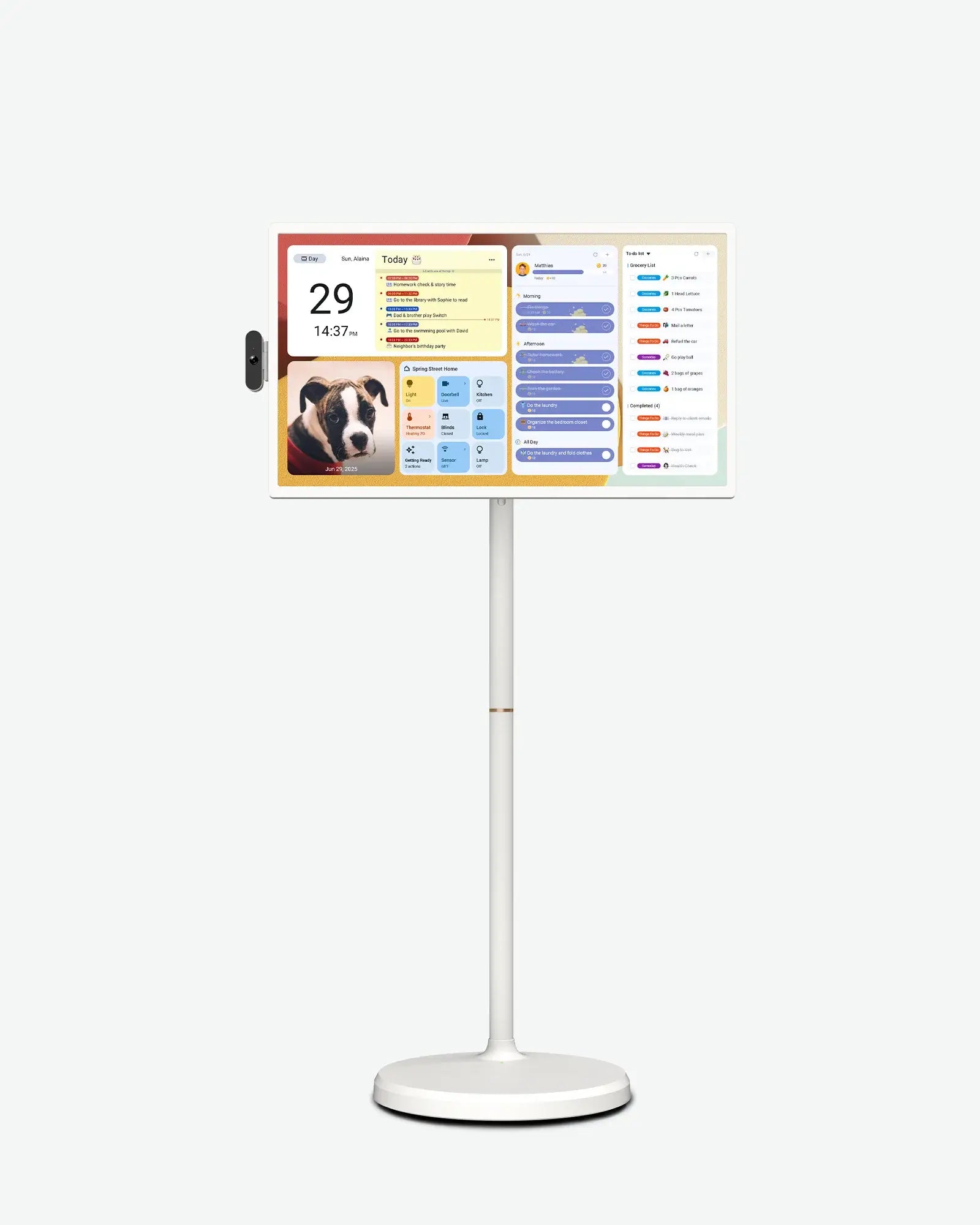
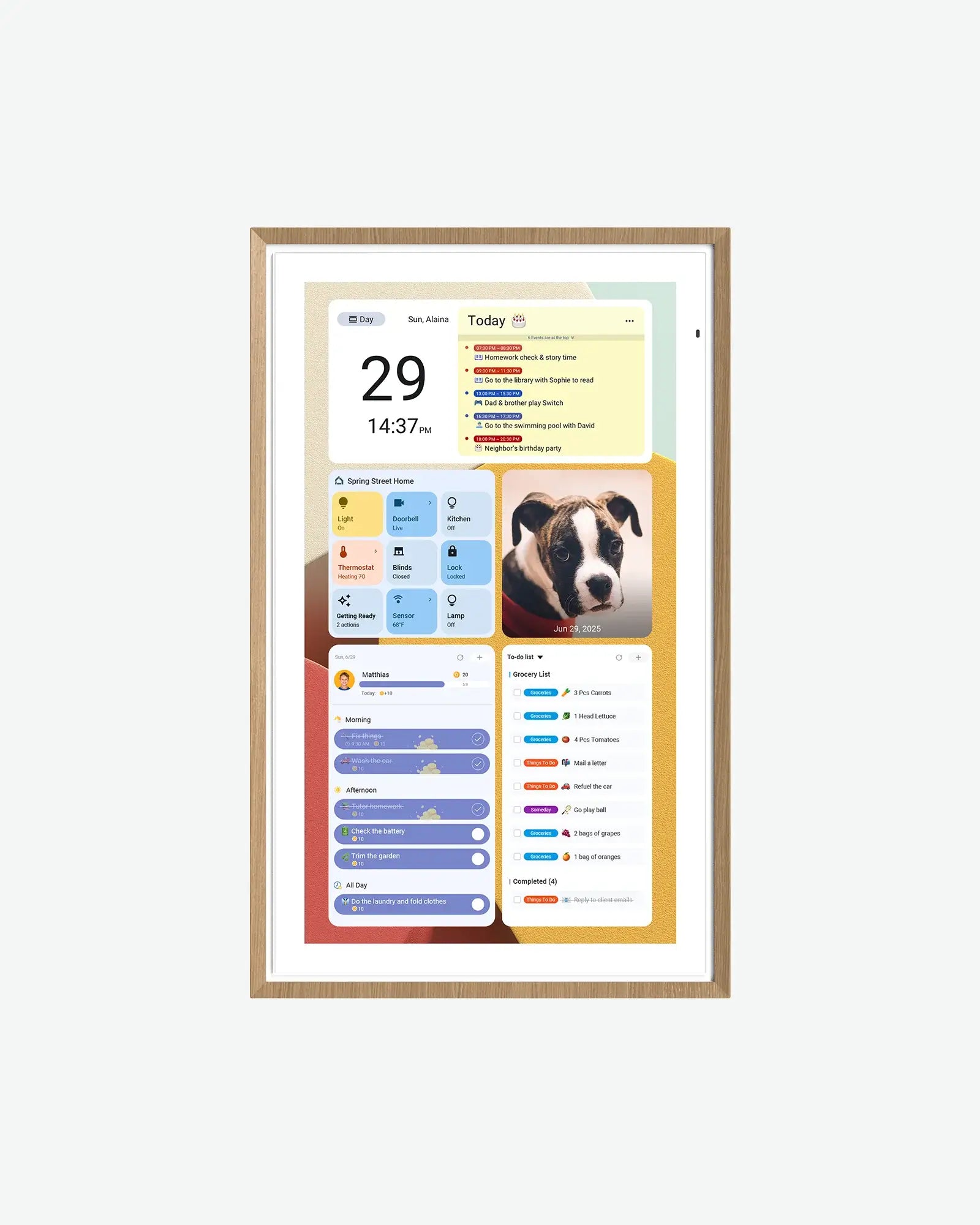
Moving into a dorm room means fitting entertainment, video calls, and a class schedule into a space that's usually smaller than a bedroom at home. ApoloSign's portable Android TVs and digital calendars are built to actually move with a student — no wall drilling required for the TVs, and one calendar size ships with its own desk stand. Here are four ApoloSign displays worth considering for the room: three portable TVs at different sizes and price points, plus the one digital calendar that comes with a desk stand instead of wall-mount-only hardware.
We may earn an affiliate commission from links on this page — this never affects our picks. Read our full affiliate disclosure.
At $619, the 24-inch is ApoloSign's least expensive portable TV, and it doesn't cut Android 16 with Google Play access to get there — the tradeoffs are a shorter ~4-hour battery (versus the 32-inch's ~6 hours) and 1080p-only resolution, with no 4K option at this size. It still ships with the same fully adjustable wheeled stand and an 8MP detachable camera for video calls.
The 32-inch splits the difference between a laptop screen and a real TV, with a 1080p or 4K panel choice, 16GB of RAM, and up to 256GB of storage on the 4K variant. Its 15000mAh battery is rated for up to about 6 hours at 50% brightness, and the wheeled stand adjusts for height, tilt, swivel, and 90-degree rotation — useful for angling the screen from a bed or a desk chair.
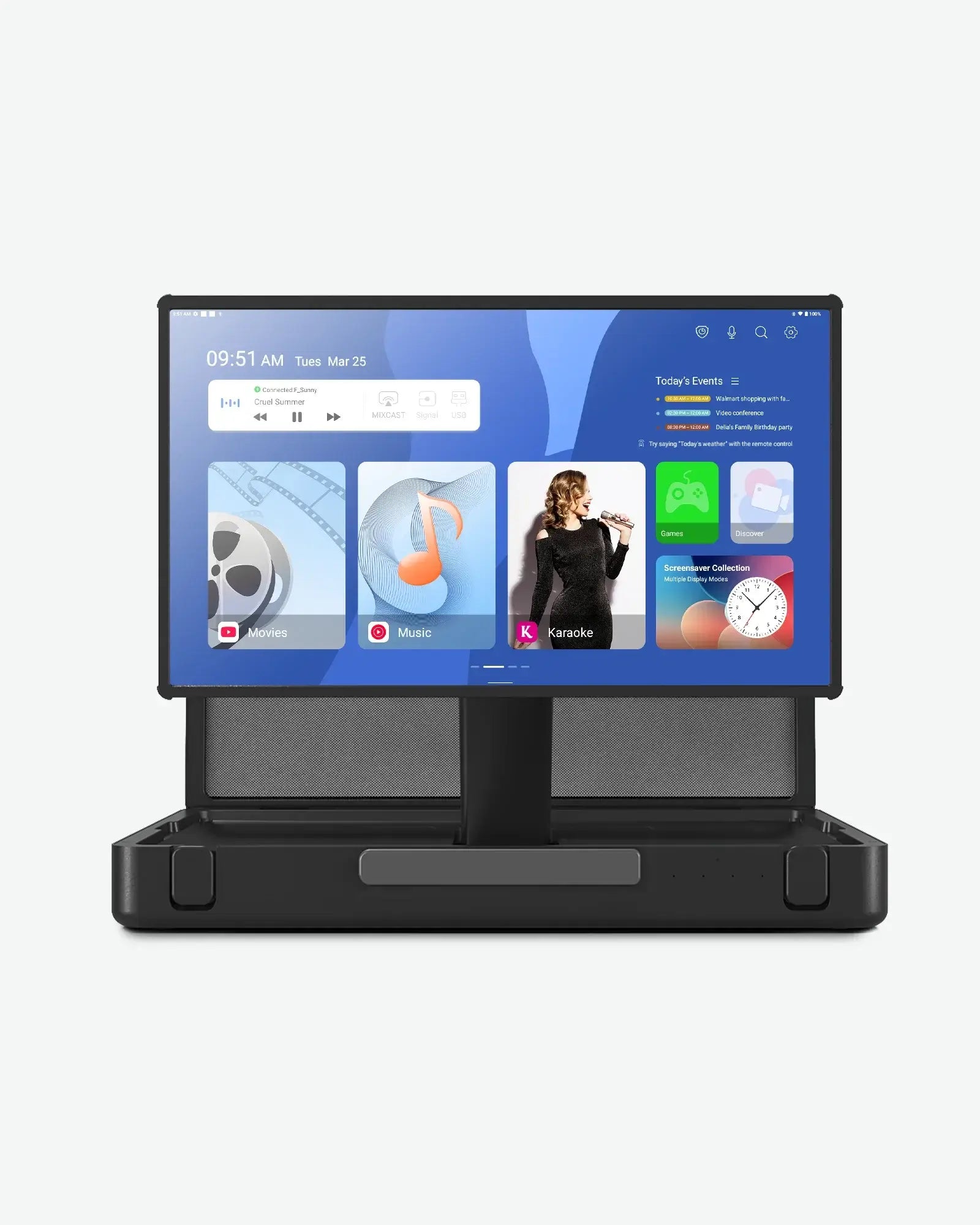
The PackGo swaps the wheeled stand for a rugged briefcase with a handle and latch, which matters if the TV needs to travel between the dorm and home on breaks. It's the most expensive option in the lineup at $999, but it also has the brightest panel (450 nits), the most powerful built-in speakers (a 40W system), and 45W USB-C charging strong enough to power other devices.
Of ApoloSign's four calendar sizes, only the 15.6-inch ships with both a wall mount bracket and a desk stand — the 21.5-inch and 27-inch models are wall-mount only. That makes it the one built to sit on a dorm desk rather than requiring a drilled wall mount, syncing Google, Outlook, and iCloud calendars into one shared view with no subscription.
The verdict
For a single dorm room screen, the 24-inch is the easiest sell on price; the 32-inch is the better all-rounder if there's room for it. The PackGo is worth the jump specifically for students going home on weekends or breaks. Whichever TV gets picked, the 15.6-inch calendar is the one calendar size actually designed to sit on a desk instead of a wall.
FAQs
Do these TVs need a cable or streaming subscription to work?
No — they run Android 16 (or Android with Google Play, on the PackGo) with full Google Play Store access, so they work with whatever streaming apps or subscriptions a student already has, the same as a phone or tablet.
Can the portable TVs be mounted on a dorm wall?
Not as tested here — all three ship with a wheeled floor stand (24-inch and 32-inch) or a briefcase enclosure (PackGo), not wall-mount hardware, based on their listed specifications.
Does the digital calendar require a subscription for calendar sync?
No — ApoloSign's calendars sync Google, Outlook, and iCloud calendars (plus Yahoo and Cozi on the larger sizes) without a subscription fee, per the product's listed features.