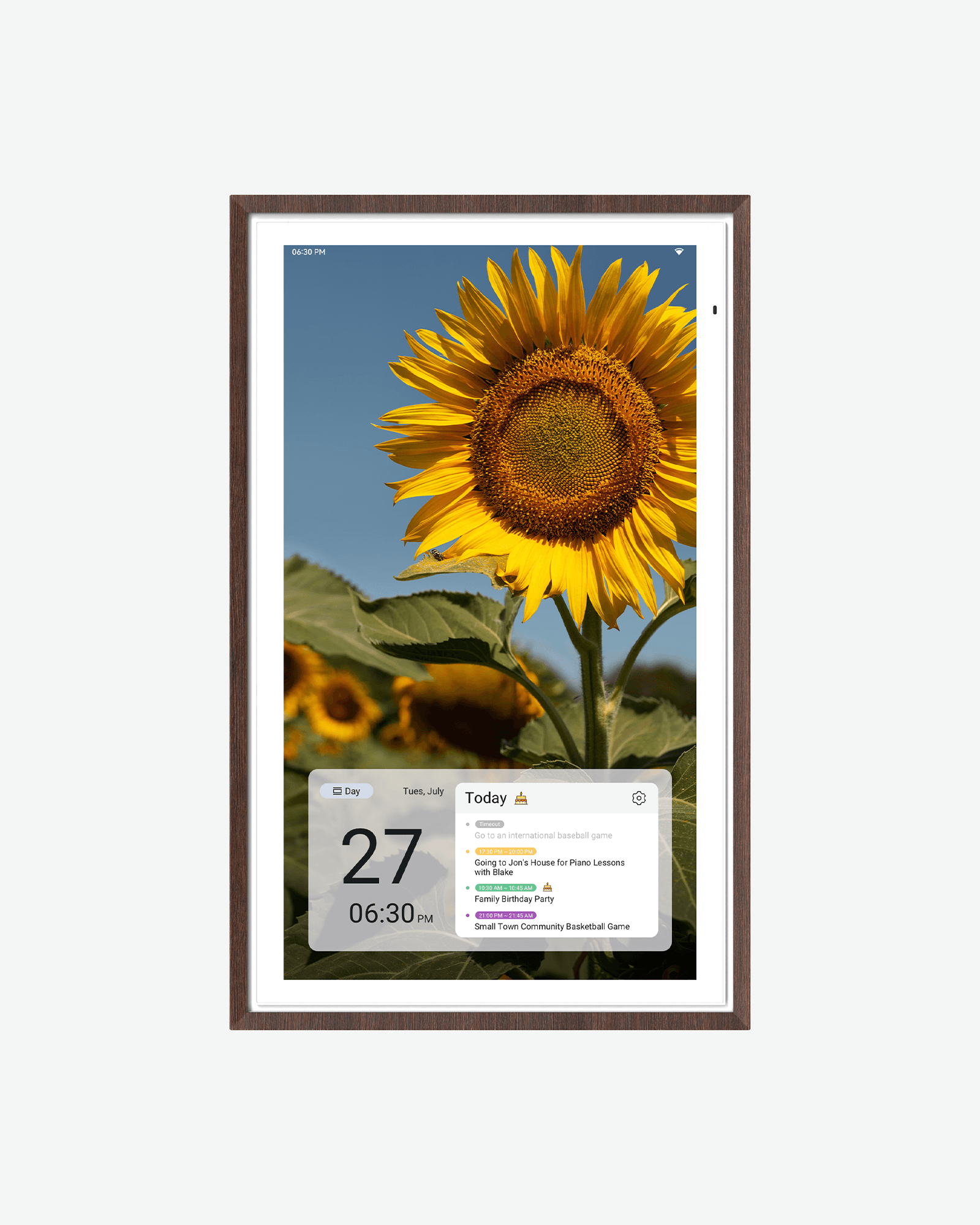
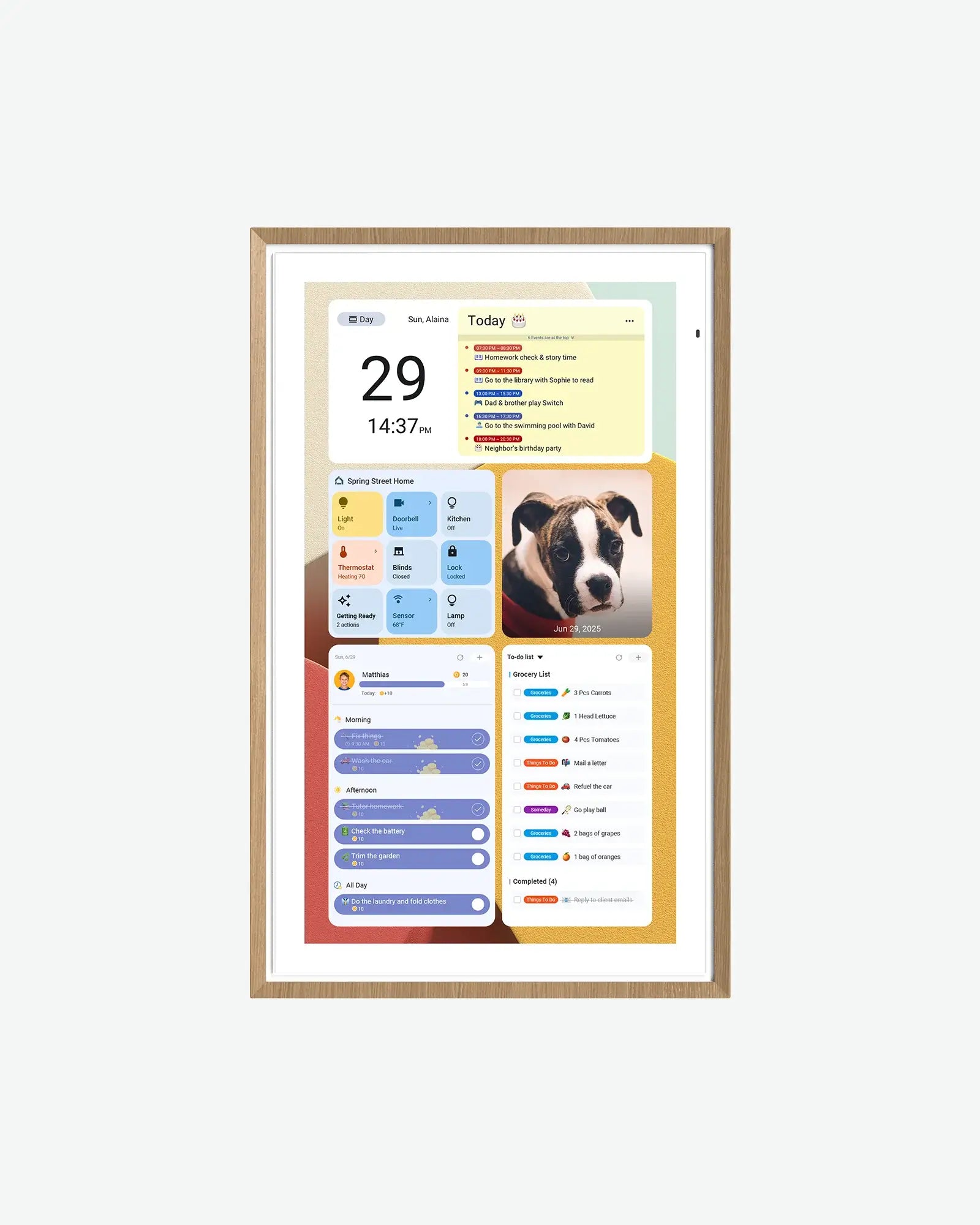
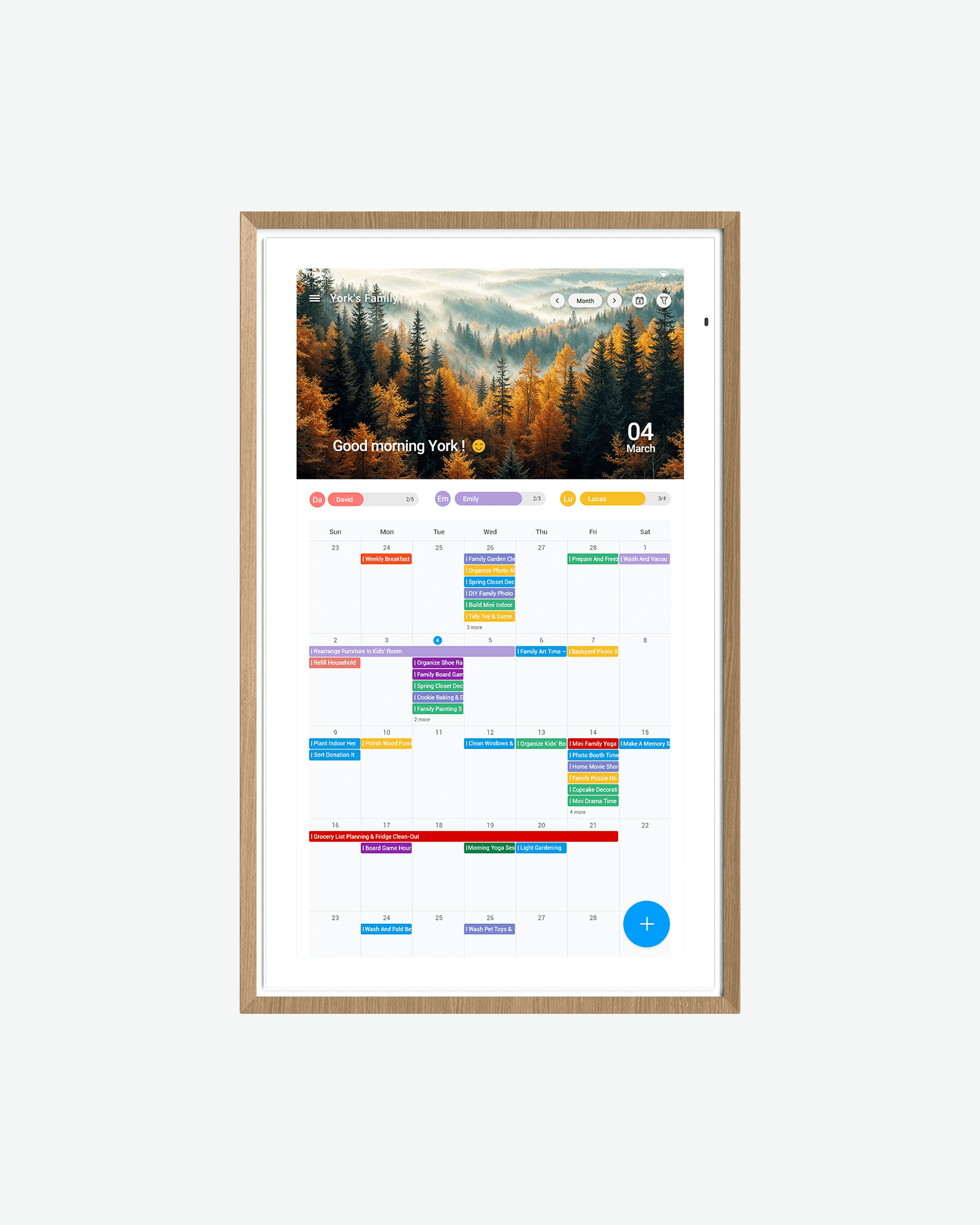
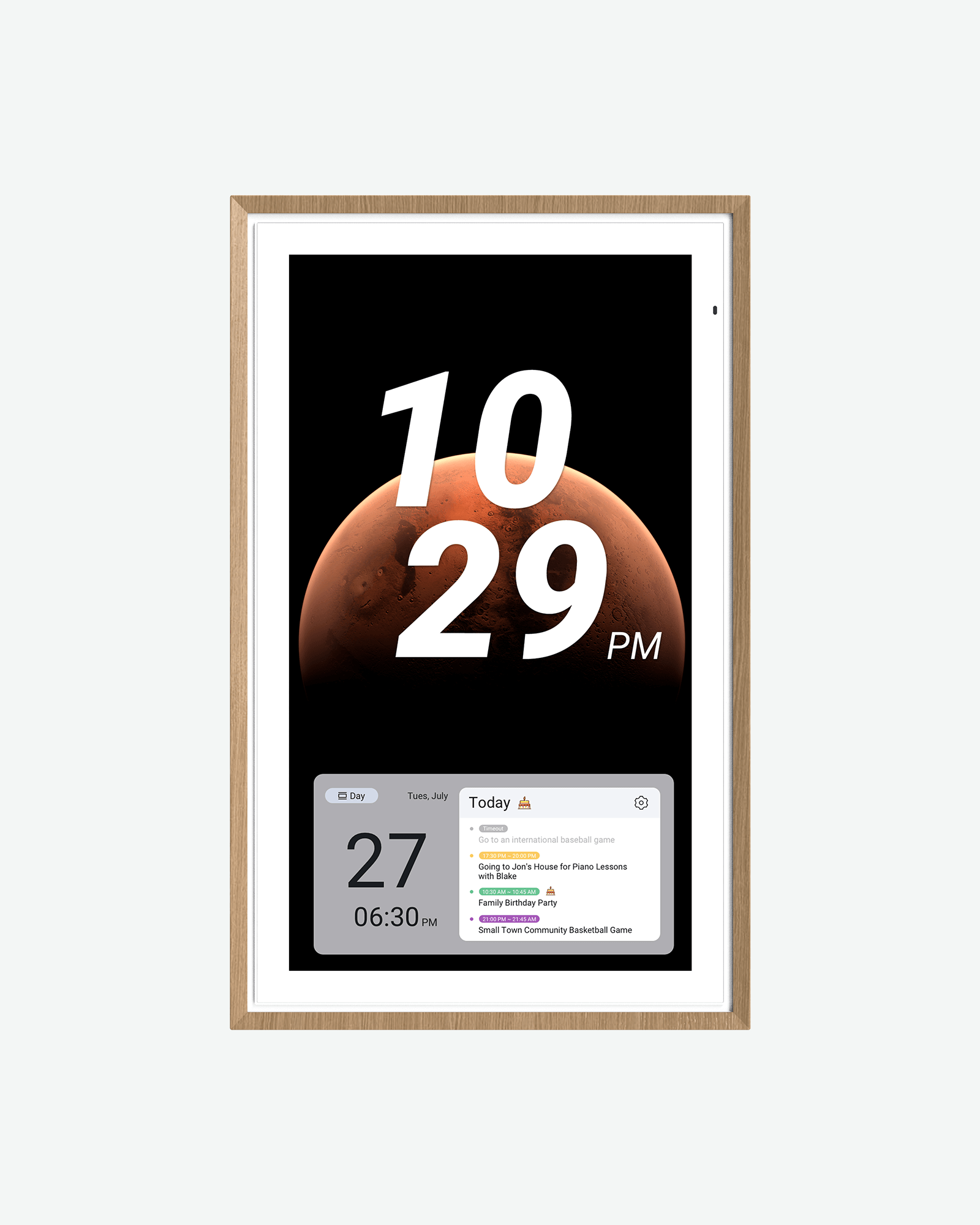
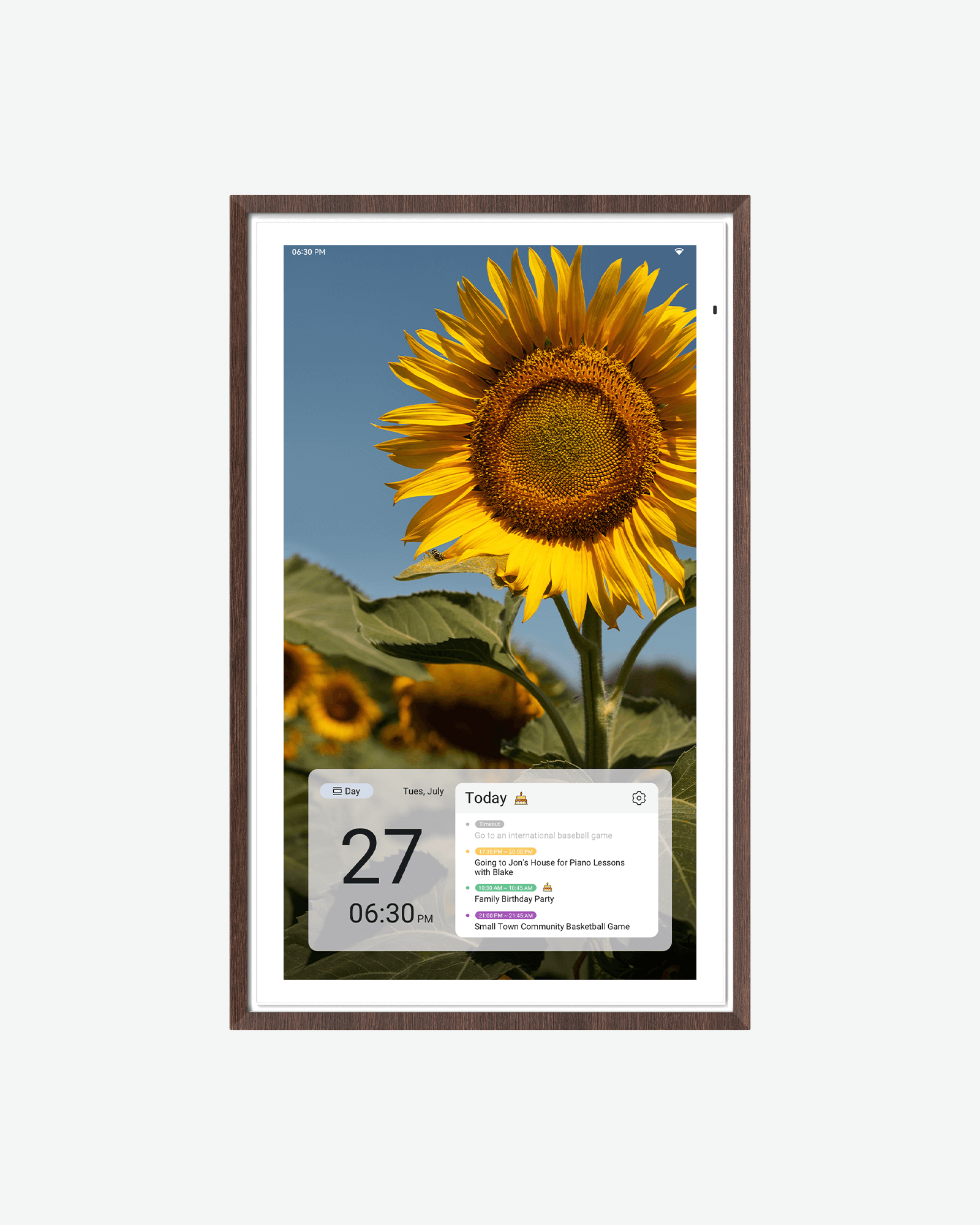
A shared digital calendar can replace a whiteboard or a stack of sticky notes for tracking assignment deadlines, exam dates, and a class schedule — without needing anyone to remember to update a paper planner. ApoloSign makes four sizes of the same idea, and the differences between them are more about screen size, mounting, and which calendar services they sync than about the core feature set, which is the same across all four: no-subscription sync with major calendar apps, a chore/reward tracker, meal planning, and Google Photos integration.
We may earn an affiliate commission from links on this page — this never affects our picks. Read our full affiliate disclosure.
The only size in the lineup that ships with a desk stand in addition to a wall mount bracket, making it the one built to actually sit on a desk rather than requiring a wall mount. It syncs Google, Outlook, and iCloud calendars, at $279 — the least expensive of the four.
A step up to a 21.5-inch panel for readability from across a room, at $379. It carries the same calendar sync and chore-tracking features as the 15.6-inch model, but ships wall-mount only, with no desk stand included.
The largest 1080p size at $579, with a VESA 100×100mm wall-mount pattern for standard mounting hardware. It syncs a wider set of calendar services than the two smaller sizes — Yahoo and Cozi, in addition to Google, Apple, and Outlook.
The only 4K panel in the calendar lineup, at $679, with the same wide calendar-sync support as the 27-inch 1080p model plus Google Assistant with Gemini AI for voice control. RAM and storage (4GB/64GB) are unchanged from the cheaper models despite the sharper panel.
The verdict
For a dorm desk specifically, the 15.6-inch is the only size actually built for it — everything larger is wall-mount only. For a shared room or common space where the calendar needs to be readable from across the room, the 27-inch (or the 4K version, for sharper text and photos) makes more sense than stepping up from the 21.5-inch.
FAQs
Do I need to pay a subscription to sync my calendar?
No — ApoloSign markets all four calendar sizes as subscription-free for calendar sync, chore tracking, meal planning, and Google Photos integration, per each product's listed description.
Which calendar apps do these sync with?
The 15.6-inch and 21.5-inch sync Google, Outlook, and iCloud calendars; the 27-inch and 27-inch 4K add Yahoo and Cozi to that list, per their listed descriptions.
What's actually different about the 4K model versus the regular 27-inch?
The panel resolution (3840×2160 versus 1920×1080) and the addition of Google Assistant with Gemini AI voice control — RAM, storage, and the rest of the feature set are the same between the two, based on their listed specifications.
Can any of these sit on a desk instead of being mounted to a wall?
Only the 15.6-inch ships with a desk stand included; the 21.5-inch, 27-inch, and 27-inch 4K are wall-mount only, per their listed contents.